
HEADER H1
CAPSLOCK ON
━
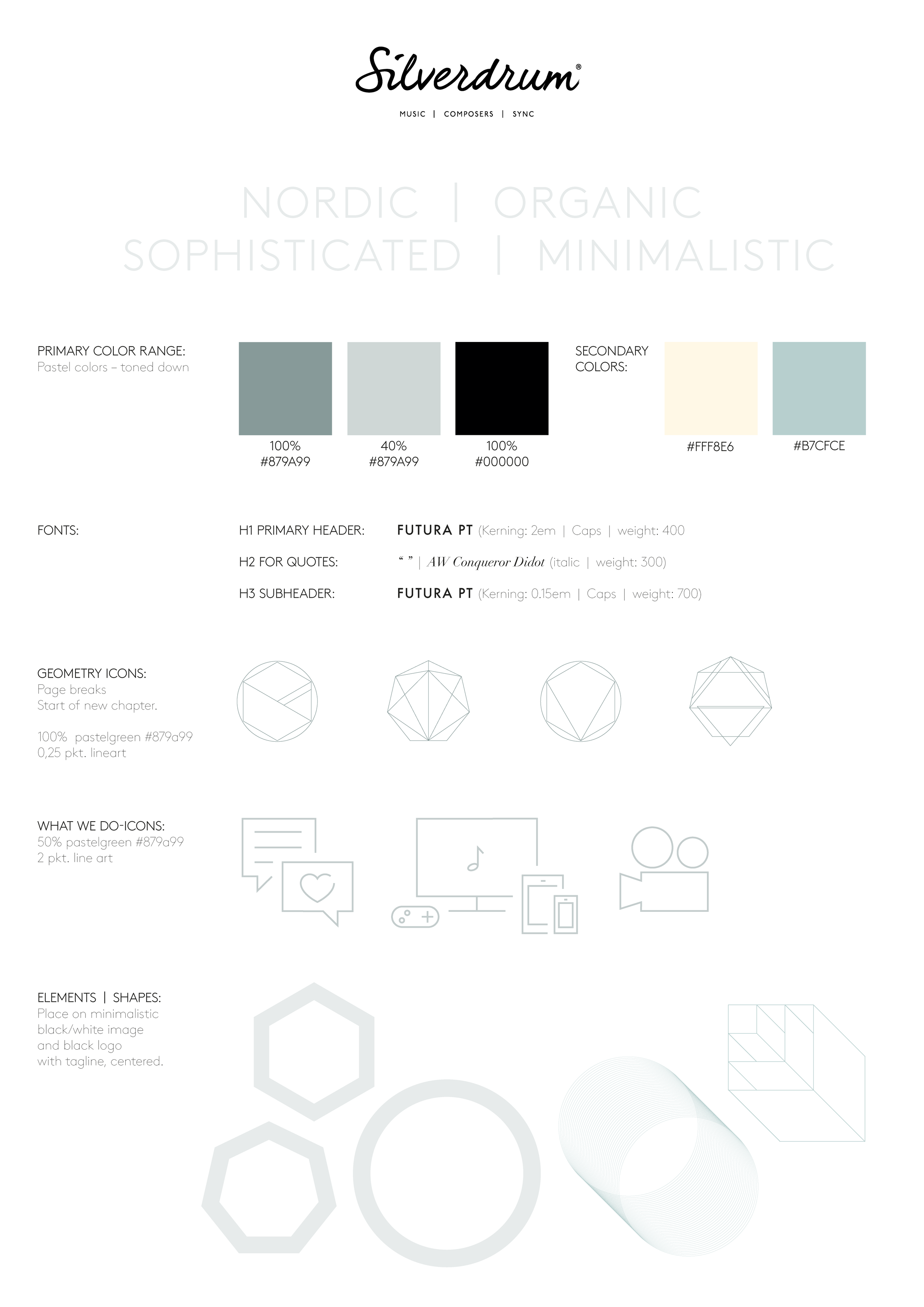
SUB-header in caps H3
Bodytext Normal. Use centered on page or left-aligned depending on the H1.
Control the lenght of the lines, and ajust the SPACER widget on each side. Too long sentences makes it a hard read. Our eyes jump off and cannot find back to the next line.
“Quotes are
always centered
and manually set
to be italic”
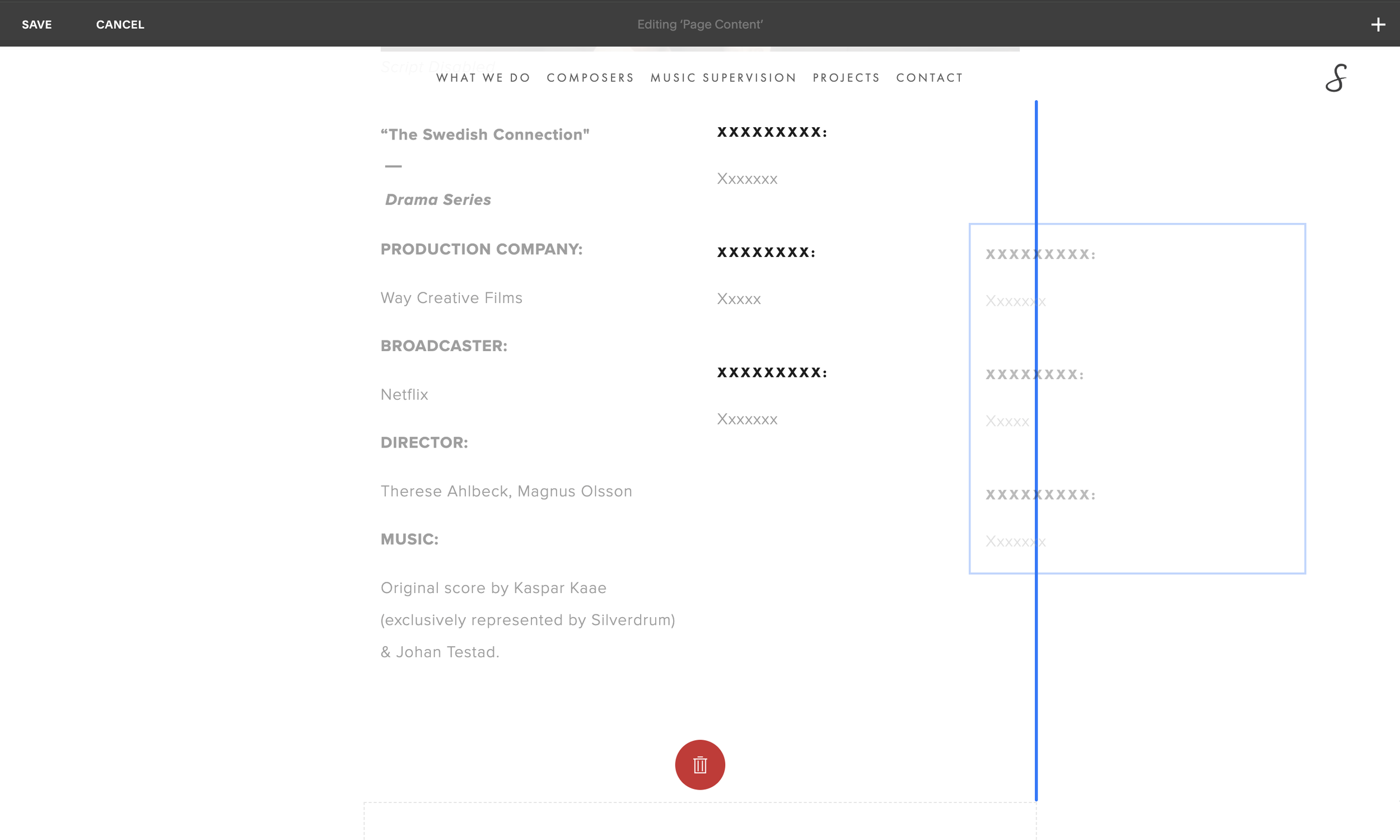
Two types of line Spaces
1.) A standard hit on the RETURN button, makes a big space like this:
↳ A new line starts. Notice space between the previous line to this ⬆
2.) Smaller and with lesser space between. Press RETURN+SHIFT. Like this:
↳ Next line starts with smaller line space⬆
GALLERY EXAMPLE
━
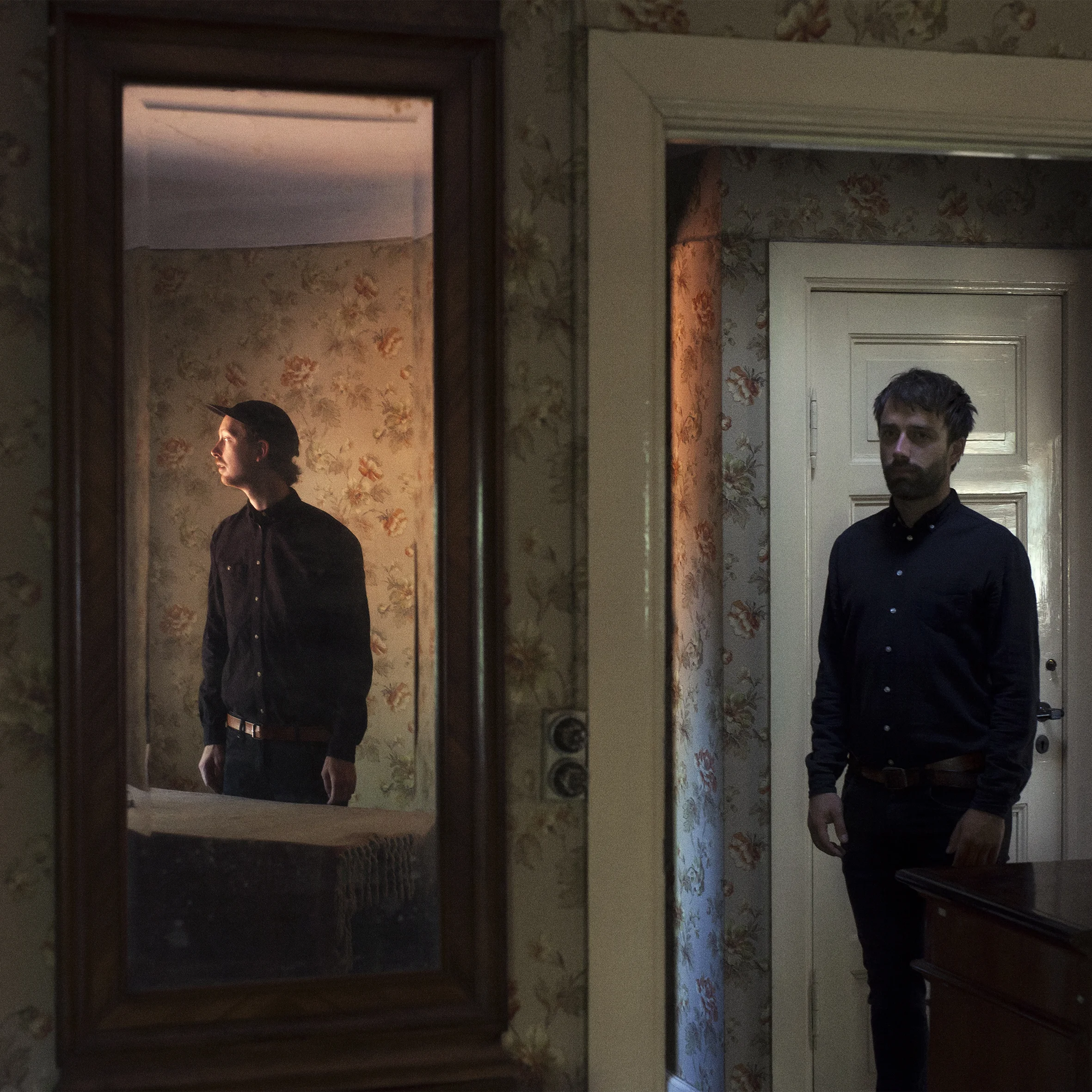
Images kept in color
The gallery is coded to put a pastelgreen overlay on top. So there is no need for extra treatments.
Grid behavior is either 2 or 3. Description + image is manually changed into a hyperlink to direct to the relevant page. See shared folder 'How To'.